
How to change phone number field format?
You can set the phone number field format that aligns with your country's phone system using the following steps:
-
Go to the create form page and choose the Mobile Number field.
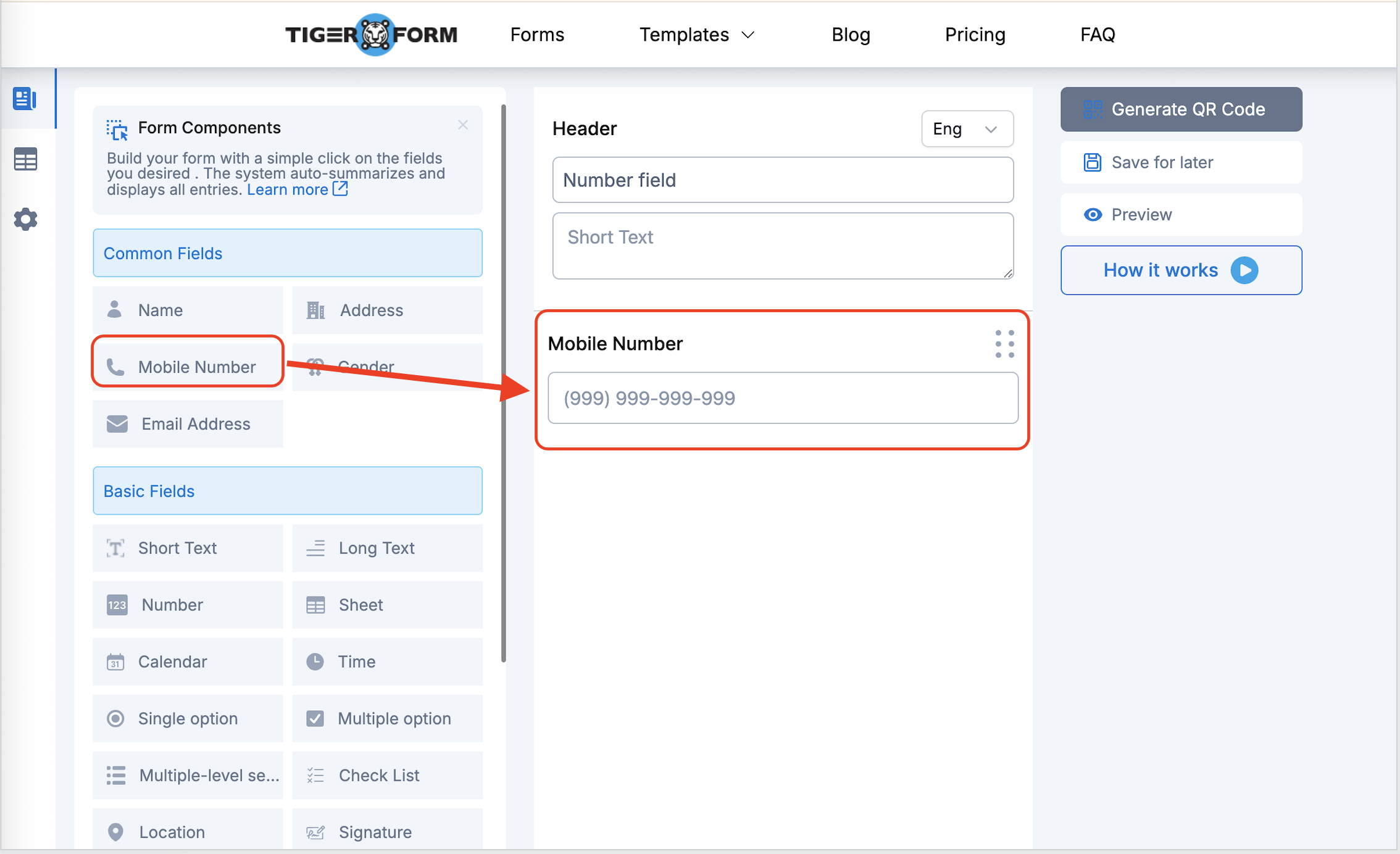
- Select the Edit button and click the numbers below the Mask section.

- Change the default mask number format to the number format that you use in your country. When trying to change the number field format, using 9 for numeric characters is recommended. You can also use characters like ( , ) + -.

- Save your form and test it to see if it works.

The updated number field should look like this when respondents try to add or submit their mobile number.